
Private accountability for close friends
Show up.
Back it up.
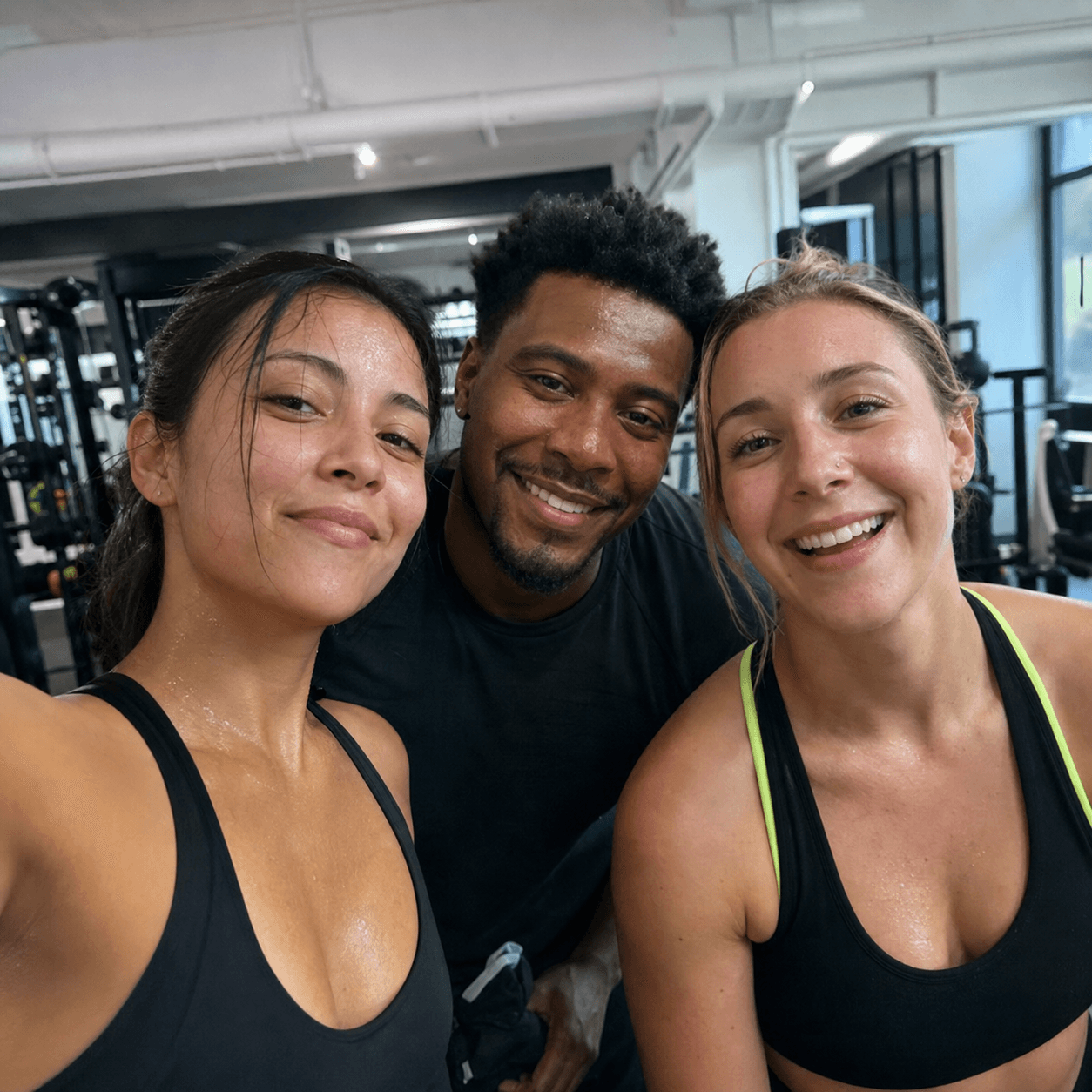
Start a workout. Your league gets 30 minutes to call for a selfie. If they do, respond during the workout or within your league’s time limit after it ends.
- 30:00
- selfie request window
- 0
- photos from your library
- Mon
- the week resets
This week
One down.
Next up: Workout 2.
Three workouts this week.
Set a weekly goal and keep each other on track.
How it works.
Three simple steps for every workout.
Start a workout.
One tap starts your next numbered workout and tells your league immediately.
Request a selfie.
Anyone in your league can ask for a workout selfie within 30 minutes.
Take the selfie.
Use the live front or rear camera during the workout or within your league’s response time after the 30-minute workout ends.
Now in every league
Keep the group chat where the goals are.
Plan sessions, celebrate the proof, and nudge the friend who needs it—all inside your private league.
- Reply, react, and @mention teammates
- Share photos with league members
- Choose all messages, mentions only, or mute
That last set was brutal 🔥
🔥 3@Jordan morning workout tomorrow?
7am. I’m holding you to it 💪
❤️ 2Your workout selfie stays within the leagues you choose.
Only current members of a selected league that requested it can see it. Workout selfies never appear publicly.
Read the privacy policyPrivate league sharing
With reuse enabled, it can serve selected leagues that request it during the same workout window.
No public discovery
Workout selfies stay out of profiles, rankings, and public feeds.
Fresh in-app selfie
Requested selfies come from the live front or rear camera, not the photo library.
Account controls
Leave a league or delete your account and uploaded workout selfies.
Ready to start a league?
Choose a finish line, schedule a start or practice now, and keep the rules clear.
Questions
What to expect from each workout.
When does a workout count?
It counts when the 30-minute workout ends without a selfie request. If someone asks, it counts after a fresh selfie is shared by the league’s response deadline—unless a strict majority of eligible league members marks it not valid within 24 hours.
What if I ignore a selfie request?
A workout only fails in a league that requested a selfie and did not receive it by that league’s response deadline. The response time begins when the 30-minute workout ends. Leagues that did not request one still count the workout.
Who can see my selfies?
Only current members of your league. Workout selfies do not appear in a public feed.
Can I join after a season starts?
Yes. Join a fixed challenge while it’s underway, an ongoing league anytime, or a league between seasons. Earlier weeks do not count against you.
Can we run a 75-day or ongoing challenge?
Yes. Start with a 4-, 8-, or 12-week preset, or open Advanced for 75 days, one year, any custom duration from 1 to 3,650 days, or no end date.
Can we schedule the official start?
Yes. Start today or choose a future date. Everyone can join and practice beforehand, but practice workouts never affect official progress, streaks, or achievements.
Does HealthKit start workouts for me?
No. A workout starts in ProofLeague only when you tap Start workout in the app.
Can I try it without signing up?
Yes. The 30-second demo needs no account. To join a real league, create an account with email and password or continue with Google.
Accountability works better with friends.
Set a weekly target and see how everyone is progressing.
Pick 4, 8, or 12 weeks—or set 75 days, a year, custom days, or ongoing.
Requests close when the 30-minute workout ends; leagues choose the response time.
Schedule a start, set daily pace and instructions, and let members review selfies.